
How to Choose a POS System for Your Retail Store
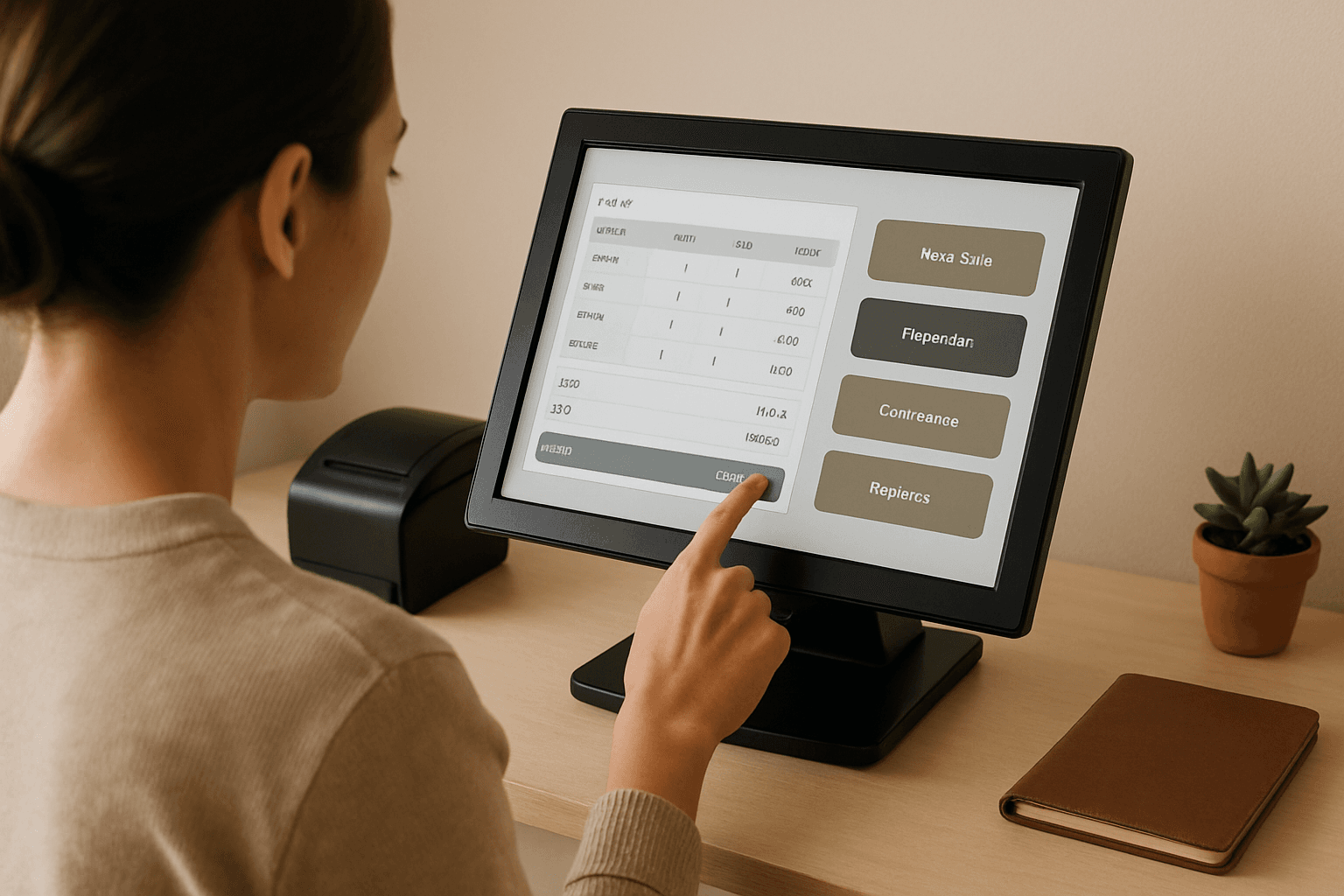
A point-of-sale system is more than a cash register. It rings up sales, tracks your inventory, manages staff, captures customer data, and processes card payments — and the one you pick will shape your daily operations for years. This staying power is exactly why the choice matters: Retail Consulting Group found that only 21% of retailers are using POS software they've adopted within the past two years, and more than 40% of currently used POS software is over five years old. Old software quietly caps what your store can do. Here's how to choose a system you won't outgrow.
Start with how you sell, not the software
Before you compare brands, map your own business. How many locations do you run? Do you sell only in-store, or online too? What's your average transaction size, and roughly how many sales do you process a month? These answers drive every decision that follows — especially cost, because pricing models reward some sales patterns and punish others.
A pop-up booth or a single boutique has very different needs than a three-store chain syncing stock across locations. Get honest about where you are now and where you'll be in two to three years.
Nail down the features that matter
Every POS handles the basics of taking a payment. The differences show up in everything around the sale. Inventory is usually the make-or-break feature for retail. Look for a system that offers real-time inventory tracking, low-stock alerts, automated reordering, and multi-location management. Real-time tracking is the foundation — the ability to track inventory in real time is perhaps the most fundamental feature for effective inventory management.
If you have more than one store, don't treat multi-location as a nice-to-have. For businesses operating across multiple locations, a POS system should provide centralized inventory management to ensure consistency across stores. If your inventory and financials are outgrowing spreadsheets entirely, it may also be worth understanding whether your business needs an ERP system.
Beyond inventory, weigh the features you'll actually use: customer profiles and loyalty, staff permissions and time tracking, reporting and analytics, and — increasingly essential — omnichannel tools like buy-online-pickup-in-store and unified online/offline inventory. Customer data captured at the register also pairs well with a small business CRM if you want to nurture repeat buyers. Make a short list of must-haves versus nice-to-haves so a slick demo doesn't sell you on features you'll never touch.
Understand your two costs: software and payment processing
POS pricing has two moving parts, and they interact. The first is the software subscription — a monthly fee per location or per register. The second is payment processing — a percentage plus a flat fee taken from every card sale. A cheap subscription with high processing rates can cost more than the reverse, depending on your volume.
Software subscriptions
Subscription pricing varies widely by vendor and plan:
- Square is free to start, which is why it's recommended for small operations, such as market stalls, food trucks, and small coffee shops. Its top retail tier, Square Premium, runs $149 per month per location.
- Shopify bundles basic in-person selling into its e-commerce plans. POS Lite is included with all Shopify subscriptions starting at $39/month, and POS Pro adds advanced retail features for an additional $89/month per location. Higher e-commerce tiers add more: Shopify's Advanced runs $399/month and Plus $2,300/month, layering in capabilities that go well beyond the counter.
- Lightspeed is retail-focused. Its entry-level Basic tier costs $89 per month billed annually, or $109 per month billed monthly, and includes a retail POS, payments system, and a free terminal.
- Clover starts cheap on paper. For retail businesses, Clover's pricing starts at $16 per month, and most hardware bundles require a 36-month contract commitment.
One structural note that trips up multi-store owners: some vendors charge per register rather than per location. Paying per register is usually more expensive than paying per location, even for retailers with multiple store locations.
Payment processing fees
This is the cost most merchants underestimate, because it scales with every sale. Two pricing models dominate. Flat-rate charges the same published percentage for each card type, which is simple and predictable — most modern processors use a flat-rate model because it's generally simpler for merchants to understand and budget around.
The bottom line
Choosing a POS system comes down to matching a platform's features and pricing model to how you actually sell. Start by mapping your locations, sales channels, and volume; build a must-have feature list anchored on inventory; and then compare the total cost of software plus payment processing rather than either number alone. Do that groundwork and you'll land on a system that supports your store as it grows — instead of one you're stuck replacing in a few years.